There are 3 ways to put a PDF in the app.
1) Use a website feature in the app and link to the live URL of the PDF on your website.
2) Use a website feature in the app and link to a page on your website which lists several PDFs.
3) Use the built in PDF feature in the app editor and upload the PDF to the app editor.
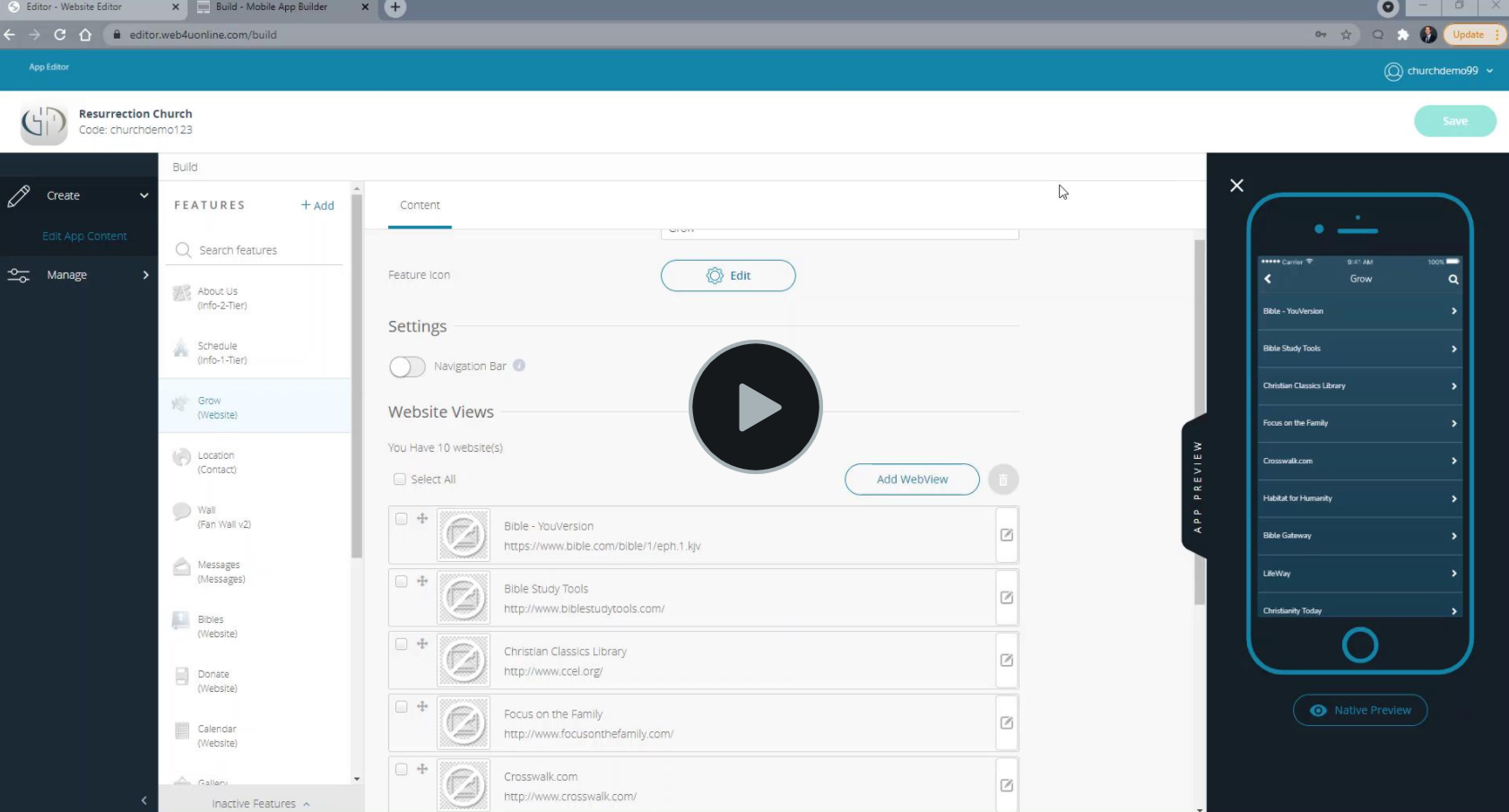
This video shows how to do all 3 options: https://demo.web4uonline.com/uploads/1/1/7/3/117391786/test.pdf
0 Comments