If you are working on a form and notice that changes you are making to certain fields are not saving, then you likely have an error in the form somewhere above the field on which you are working. Many times the "error" is HTML code that you have put into one of the fields. Often you have forgotten to add a closing HTML tag. For example, if you have used the <b> tag to make something bold. Remember to close the tag at the end like this </b>
A quick way to find the field(s) with the error is to drag a brand new field onto your form at the very top of your form. Attempt to make a change to the field properties and click save. If the save works, then you know the problem is somewhere on the form below your new field and above the field that previously would not save. You can continue to narrow down the problem area by moving your new test field lower down the form. Make a change to the test field and click save again. If the change does not work, you no know the problem is between your last test location and this test location.
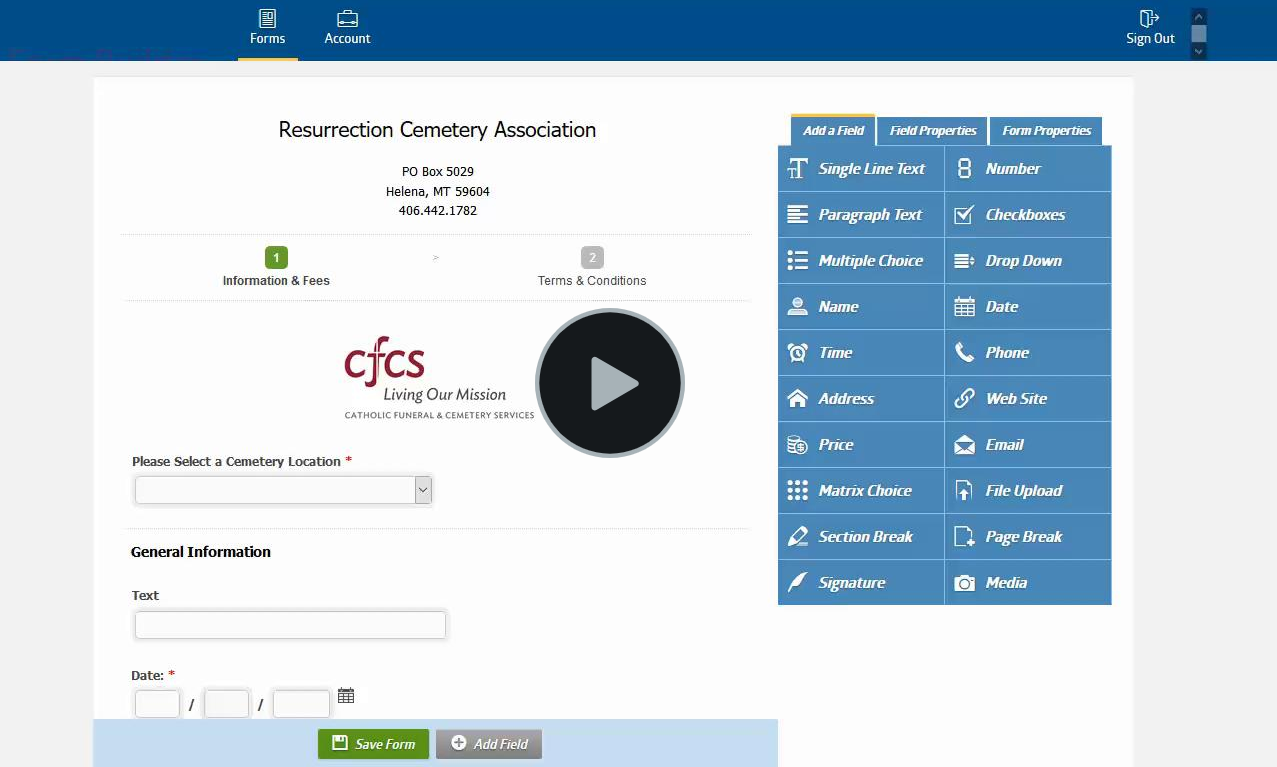
We also have a nice video below showing how to do the above tests and fixes. Here is the video: https://www.screencast.com/t/tgHPkDKTCS
0 Comments